

Guide
Audio Mix on iPhone, explained
Audio Mix lets you change the balance of a Spatial Audio recording after you made it. Most guides use it to remove background noise. For memories, the background is often the point.
Updated
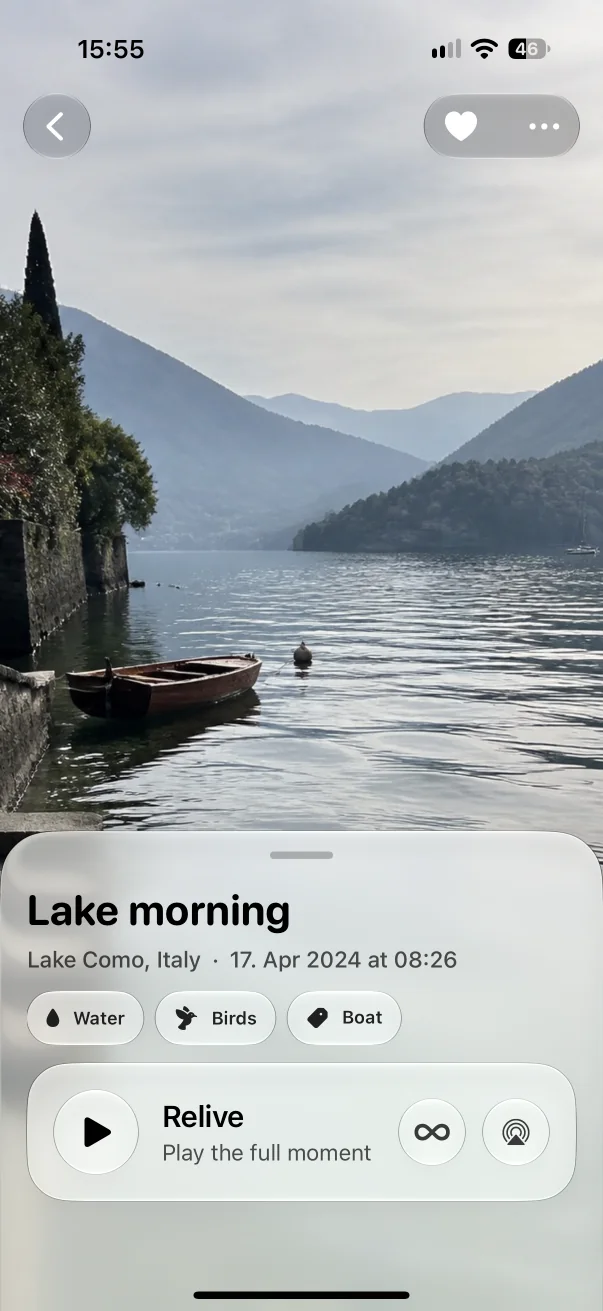
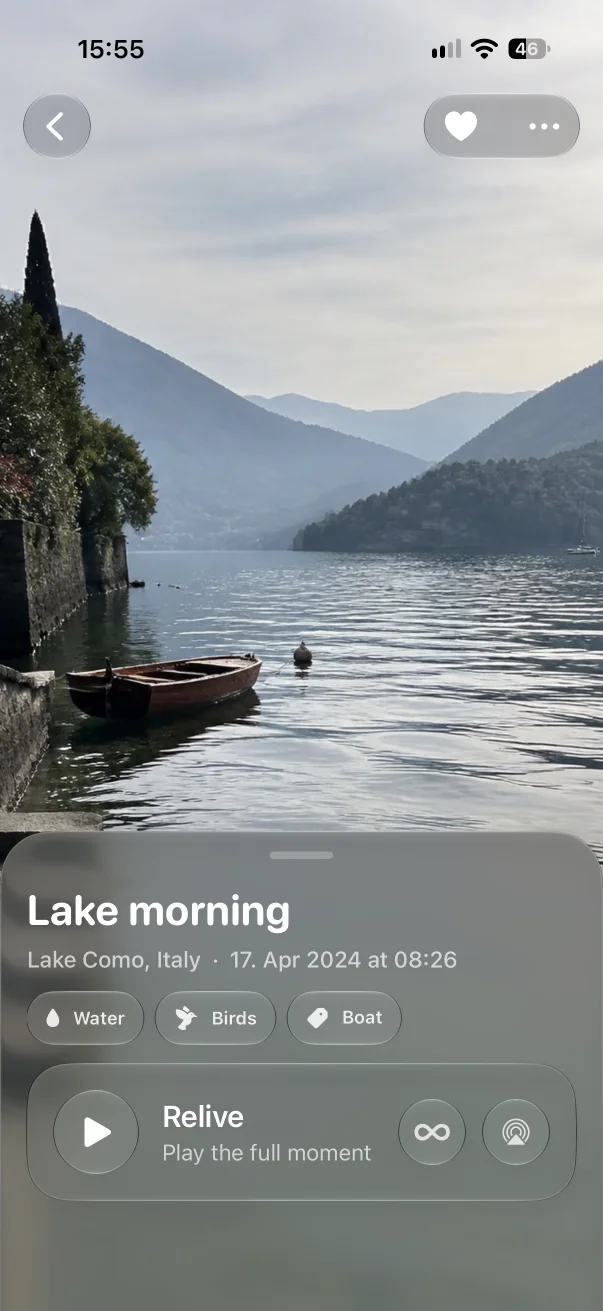

In short
- Audio Mix works with Spatial Audio recordings made on iPhone 16 or later.
- It separates voices from the surrounding sound, so you can bring people forward or let the place open up.
- In Aunori, Relive Studio (Aunori Pro) offers Original, People, and World for compatible recordings.
What Audio Mix does
Apple introduced Audio Mix with iPhone 16 as a way to adjust video sound after capture: focus on the voice of the person on camera, make it sound as if it was recorded in a studio, or place voices in front and the environment around you. In Photos, these appear as mix options such as In-Frame, Studio, and Cinematic, with an intensity slider.
This works because a Spatial Audio recording keeps directional information that iOS can use to separate speech from ambience.
Which recordings support it
- Recordings made in Spatial Audio on a supported iPhone (iPhone 16 or later, including iPhone 16e, iPhone 17e, and iPhone Air).
- Stereo recordings from older iPhones, and audio from most other sources, do not contain the data Audio Mix needs.
- Apps can use the same technology since iOS 26, which is how Aunori offers it inside a Moment.
People or World: Audio Mix for memories
Removing background noise makes sense for an interview. In a memory, the background is often what you want to hear again: the café behind a conversation, the sea under a laugh, the city outside a window.
Aunori’s Relive Studio, part of Aunori Pro, turns this into a simple choice for Moments that include Apple’s spatial mix data:
- Original — the recording as captured.
- People — voices come forward when you want to hear who was there.
- World — the surroundings open up when you want to hear the place.
Original playback stays available for every Moment, with or without Pro. Aunori always plays your own recordings; it does not generate replacement sound.
Getting the best result
- Record in Spatial Audio from the start — a mix cannot be added to a stereo recording later.
- Keep a little distance between the iPhone and the loudest voice so the surroundings have room.
- Listen with Spatial Audio headphones to hear the difference between People and World clearly.
Questions
Is Audio Mix the same as noise cancellation?
No. Noise cancellation removes sound while you listen. Audio Mix rebalances a Spatial Audio recording after capture, and can emphasize either voices or surroundings.
Does Aunori change my recording?
No. People and World are playback choices. The original recording stays as captured, and Original playback is always available.