

Compatibility
Which iPhones record Spatial Audio?
Spatial Audio recording arrived with iPhone 16. Here is the full list of models that can capture it, what changes on other iPhones, and how Aunori adapts automatically.
Updated
In short
- Every iPhone 16, iPhone 17, and iPhone 18 Pro model records Spatial Audio, as do iPhone 16e, iPhone 17e, iPhone Air, and iPhone Duo.
- Single-camera models like iPhone Air and iPhone 16e record Spatial Audio too — Spatial Audio is not the same as spatial photos or video.
- Aunori runs on iPhones with iOS 26. Where Spatial Audio capture is unavailable, it records the best stereo format the iPhone supports.
iPhone models that record Spatial Audio
According to Apple, these iPhone models can record Spatial Audio with their built-in microphones:
| Generation | Models |
|---|---|
| iPhone 16 | iPhone 16, iPhone 16 Plus |
| iPhone 16 Pro | iPhone 16 Pro, iPhone 16 Pro Max |
| iPhone 16e | iPhone 16e |
| iPhone 17 | iPhone 17, iPhone 17 Pro, iPhone 17 Pro Max |
| iPhone Air | iPhone Air |
| iPhone 17e | iPhone 17e |
| iPhone 18 Pro | iPhone 18 Pro, iPhone 18 Pro Max |
| iPhone Duo | iPhone Duo |
Apple lists the same models for Spatial Audio recording in Voice Memos. iPhone 15 and earlier models do not record Spatial Audio.
Spatial Audio is not spatial video
The two features are easy to confuse. Spatial Audio recording captures sound from all around the iPhone, so playback can place voices, birds, traffic, or waves around the listener. It relies on the microphone array, which is why single-camera iPhones such as iPhone Air and iPhone 16e support it.
Spatial photos and spatial video are three-dimensional images for Apple Vision Pro. They need two cameras side by side and are supported on fewer models. Aunori is about sound: it keeps one regular cover photo and the Spatial Audio around it.
What Aunori records on each iPhone
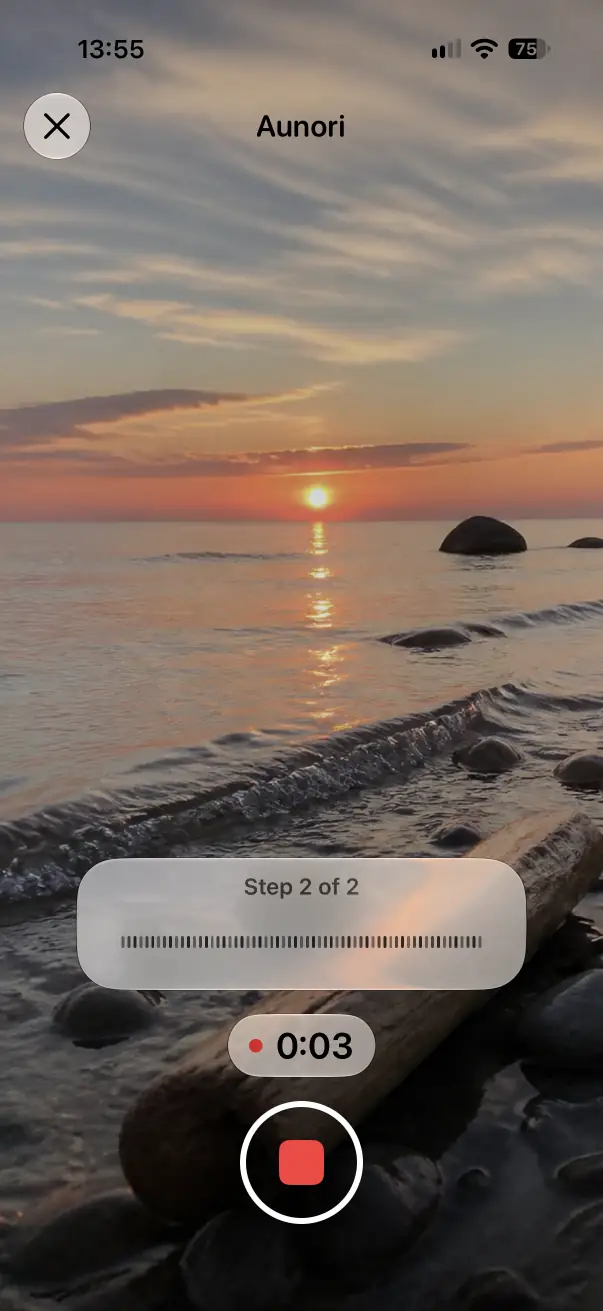
Aunori does not maintain its own model list. When you start a recording, it asks iOS whether the iPhone can capture first-order ambisonics — the format behind Spatial Audio. If it can, Aunori saves a Spatial Audio track together with a stereo fallback track. If it cannot, Aunori records stereo.
- Spatial Audio iPhones: a 360° recording plus a stereo track for any playback situation.
- Other iPhones on iOS 26: a stereo recording. Capture, the library, map, Echoes, and normal Relive work the same way.
- Imported videos: when a video in Photos or Files already contains Spatial Audio, Aunori keeps that original audio with one still frame as the cover.
Audio Mix and People or World focus
Apple’s Audio Mix lets you rebalance a Spatial Audio recording after capture — for example, bringing voices forward or letting the surroundings open up. It needs a Spatial Audio recording made on a supported iPhone.
In Aunori, Relive Studio with Aunori Pro uses the same information to focus a Moment on People or World. The choice appears only for recordings that include Apple’s spatial mix data; Original playback is always available.
Listening back
Spatial Audio sounds most immersive with headphones that support it, such as compatible AirPods, but every Moment also plays through the iPhone speaker, other headphones, or AirPlay. Aunori shows a headphones symbol on Moments that were recorded in Spatial Audio.
Questions
Does iPhone 15 Pro record Spatial Audio?
No. Apple lists iPhone 16 and later models for Spatial Audio recording. On iPhone 15 Pro and other iPhones running iOS 26, Aunori records stereo.
Does iPhone Air record Spatial Audio?
Yes. iPhone Air is on Apple’s list of models that record Spatial Audio, even though it has a single rear camera.
Does iPhone 16e record Spatial Audio?
Yes. iPhone 16e and iPhone 17e both record Spatial Audio according to Apple.
Do I need AirPods to hear Spatial Audio?
Headphones with Spatial Audio support give the most immersive result. Every recording still plays on the iPhone speaker and other outputs.