

Guide
How to keep the real sound of a photo on iPhone
Most “add sound to photo” tips are about music. This guide is about something else: keeping the actual sound of the place where you took the picture.
Updated
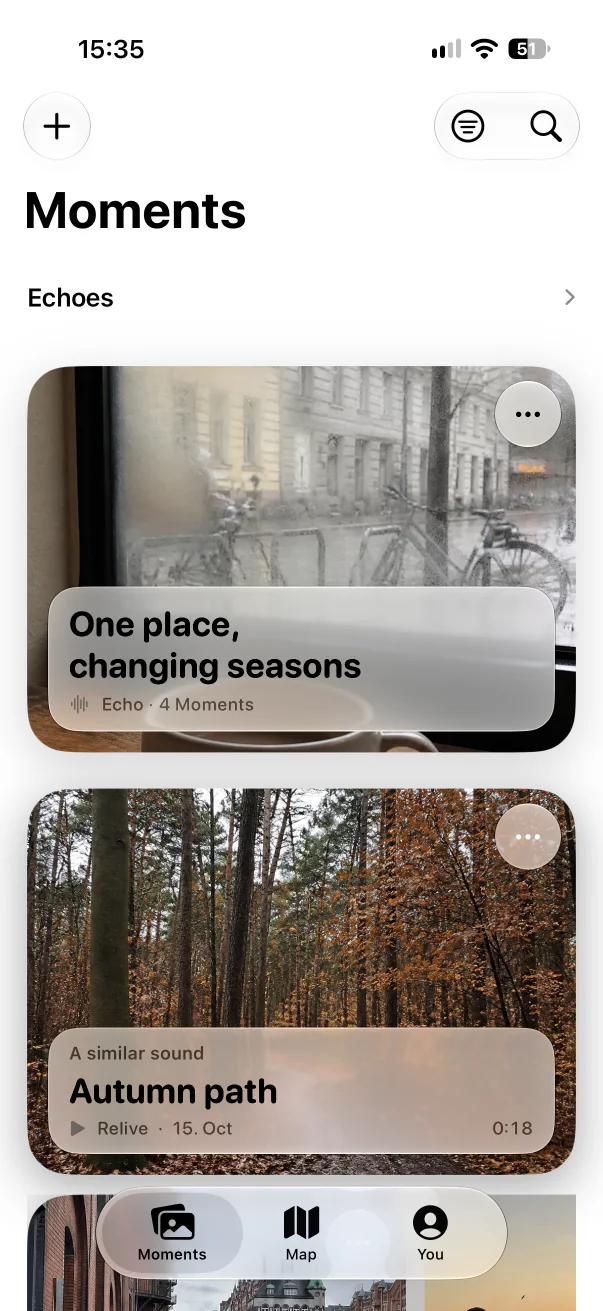
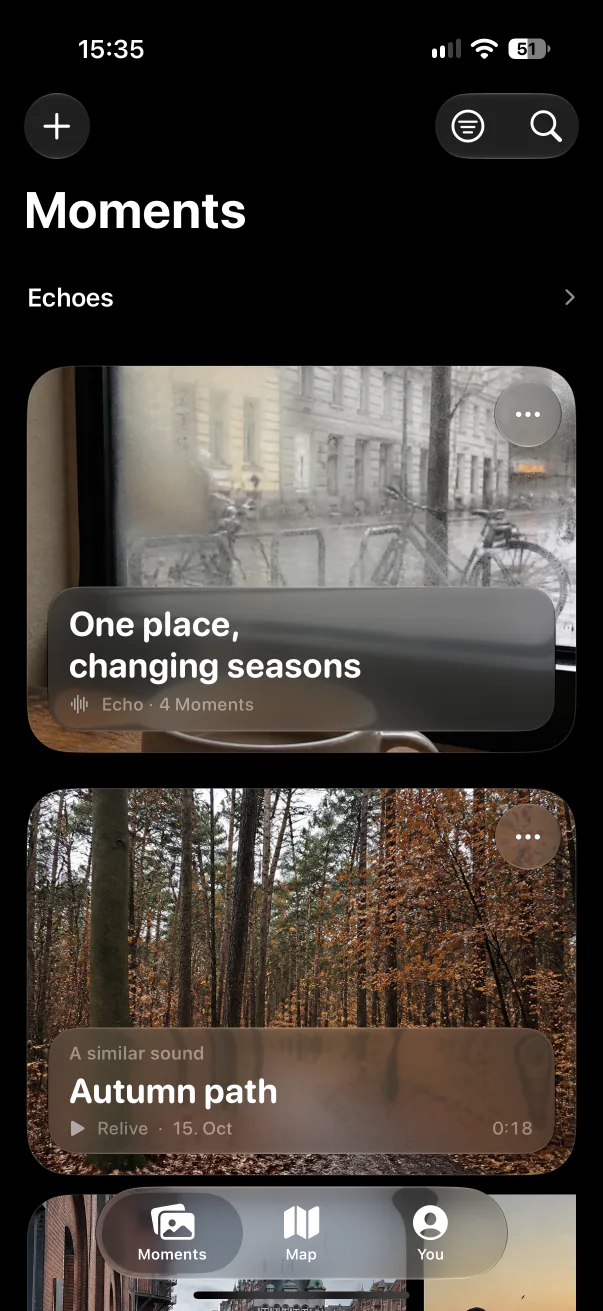

In short
- A regular photo file cannot hold sound, so iPhone options pair the image with audio in different ways.
- Live Photos keep about three seconds; video keeps everything but becomes a clip; a separate voice memo loses its connection to the picture.
- Aunori keeps one photo and the full surrounding sound together as a Moment, in Spatial Audio on compatible iPhones.
Why a photo cannot simply hold sound
JPEG and HEIC photos store images, not audio. Every way of “a photo with sound” on iPhone either records a short video behind the image, saves a video, or keeps the audio somewhere else and links it to the picture.
Option 1: Live Photos
Live Photos record roughly a second and a half before and after you press the shutter, including sound. They are effortless and live in your photo library. The sound is a few seconds long, though — enough for a splash or a laugh, rarely enough for the atmosphere of a place.
Option 2: Record a short video
A video keeps as much sound as you like, in Spatial Audio on iPhone 16 and later. But it becomes a clip: you have to hold the camera steady on something, files are large, and the moment sits between thousands of other videos.
Option 3: Photo plus a voice memo
Taking a photo and then recording in Voice Memos gives you good audio, but two separate files. Years later, it is hard to know which recording belongs to which picture, or where it was made.
Option 4: Aunori Moments
Aunori is built for exactly this. You take one cover photo, then Aunori records the sound around you and keeps both together as a Moment — with the time, an optional place, an optional memory note, and sound tags detected on your iPhone.
- Spatial Audio on compatible iPhones, stereo on other iPhones running iOS 26.
- Find Moments by time, place, sound, or note — or let Echoes bring them back.
- Save a Moment as a video when you want it in Photos, or share it with a private, encrypted link.
- An existing video can become a Moment: Aunori keeps one still and the original audio.
Which one should you use?
| Option | Sound length | Stays connected to the photo | Best for |
|---|---|---|---|
| Live Photos | About 3 seconds | Yes | Quick snapshots |
| Video | As long as you film | It is the video | Movement and action |
| Photo + Voice Memo | As long as you record | No, two files | Separate audio notes |
| Aunori Moment | As long as you record | Yes, one Moment | The sound of a place |
Questions
Can I add the sound later to a photo I already took?
Aunori starts each Moment with a new cover photo, or creates one from an existing video by keeping a still frame and its original audio.
Can I put a Moment back into the Photos app?
Yes. Aunori can save the cover photo, or save the whole Moment as a video with its sound, to your photo library.