

Nature
Record nature sounds on iPhone
Birdsong at dawn, rain in a forest, a lake on a still evening. Your iPhone can capture nature in surprising depth — and Aunori keeps each recording with a picture of where you heard it.
Updated
Gear-free tips for better nature recordings
- Go early. The hour around sunrise is the richest time for birdsong and the quietest for traffic.
- Get out of the wind. Stand behind a tree or rock, or turn your back to the wind; it is the biggest enemy of small microphones.
- Set the iPhone down. Lean it against something steady instead of holding it, so handling noise disappears.
- Wait before recording. Wildlife quiets down when you arrive and returns after a minute of stillness.
- Keep a distance from water. A stream right next to the iPhone drowns out everything else.
Spatial Audio outdoors
On iPhone 16 and later, Aunori records nature in Spatial Audio, so birds stay in the trees around you and a river stays to one side. With Aunori Pro, Relive Studio can bring the World forward when there are people talking nearby.
Sound tags, recognized on your iPhone
Aunori uses Apple’s on-device sound analysis to suggest tags such as Birds, Rain, Water, Wind, Animals, and Nature. Recognition happens on the iPhone; recordings are not sent to a server for analysis. You can edit the tags and keep up to four per Moment, then filter your library and map by sound.
A seasonal sound map
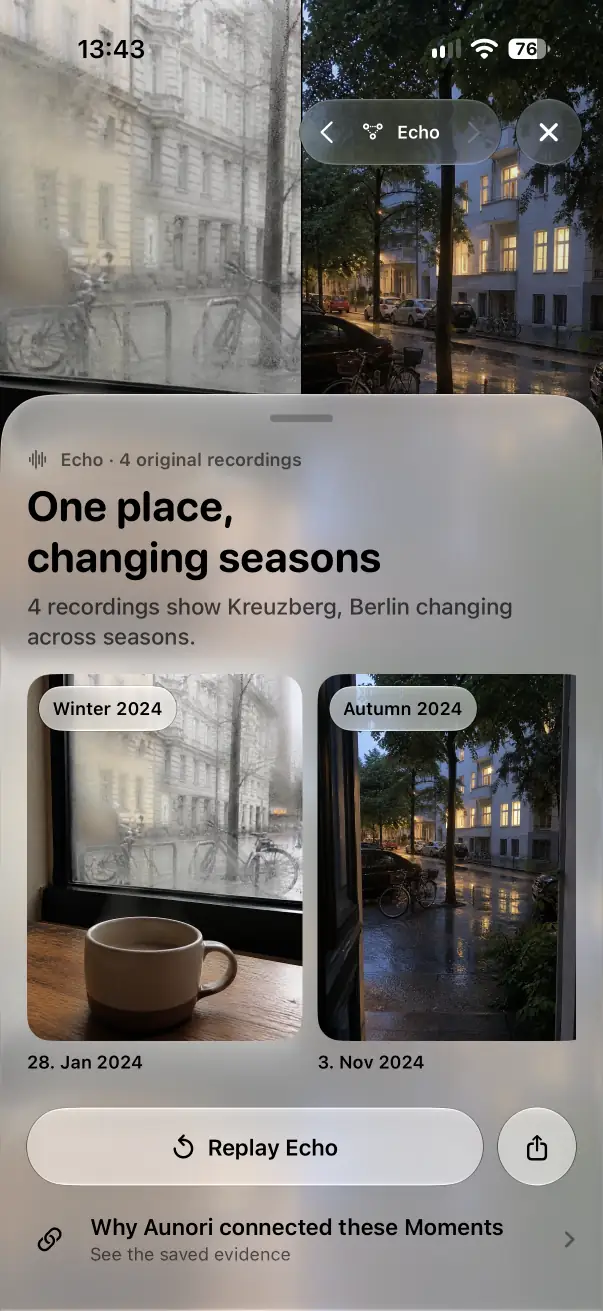
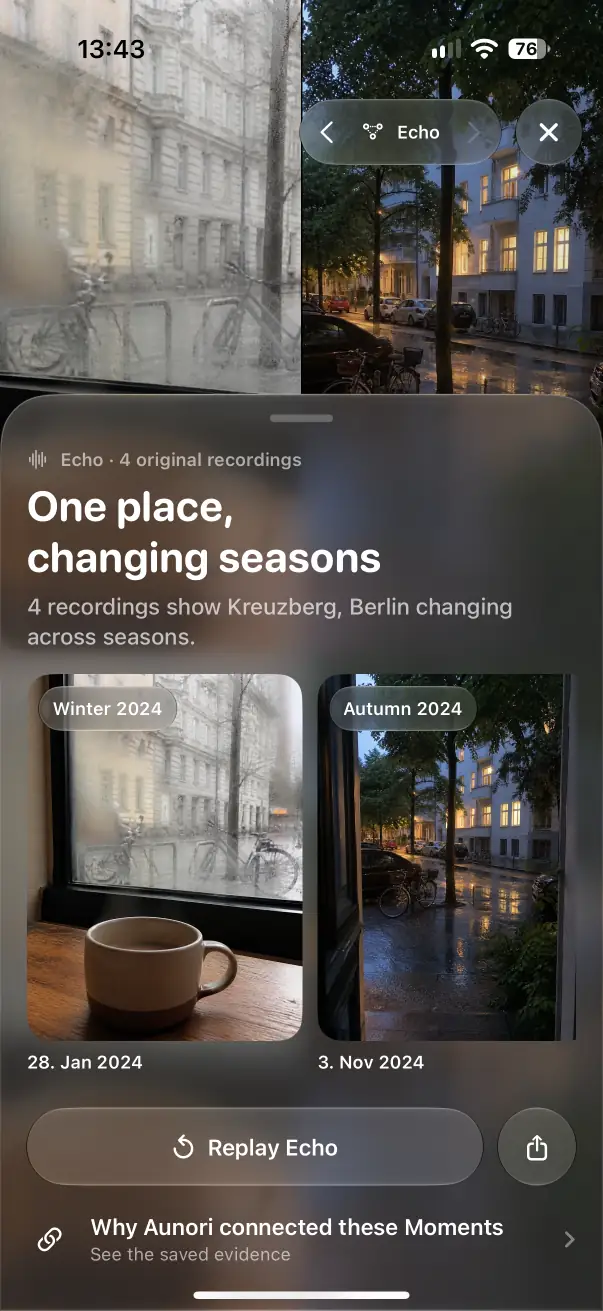
Record the same place in spring, summer, autumn, and winter. Aunori’s map keeps every Moment where it happened, Smart Collections group them by season, and Echo Scenes such as “One place, changing seasons” play short excerpts of your recordings in order.
Respect nature
Keep your distance from nests and animals, stay on paths in protected areas, and never play recordings back loudly to attract birds during breeding season.